Recommended Studio Setup
You don’t need a full studio to look professional. With a few affordable upgrades, you’ll look sharper, sound clearer, and connect with your audience on a whole new level.
The Three That Matter Most
Start here. These three upgrades do the heavy lifting — better light, a sharper camera, and clean audio.
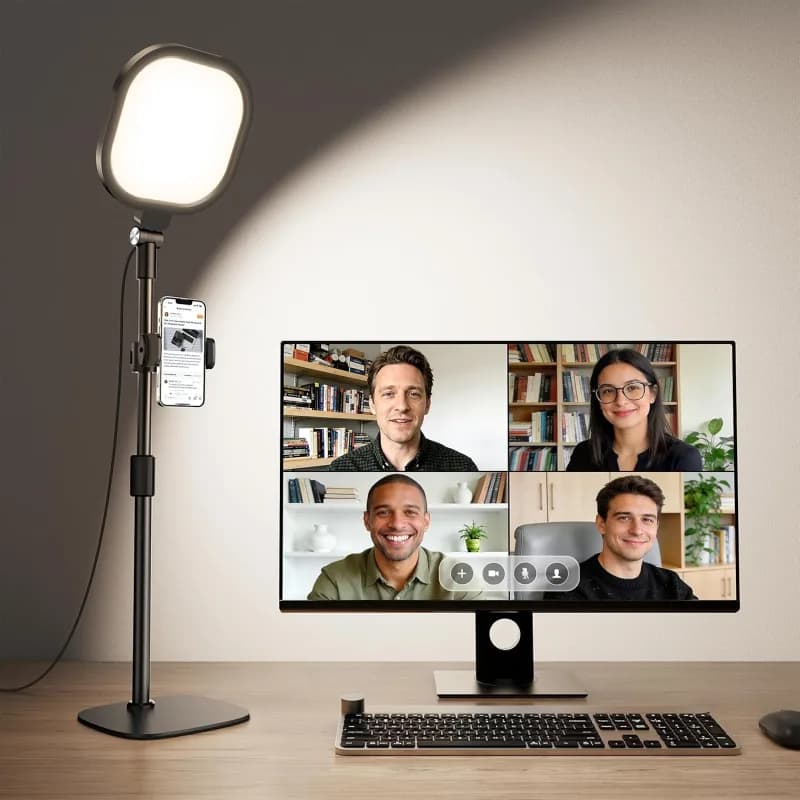
Your most important upgrade
Computer Soft Light Kit ↗Even lighting instantly elevates your video quality. It keeps your face evenly lit, reduces shadows, and adds polish to every recording.
Tip: Set it at a 45° angle, slightly above eye level to reduce glare — especially if you wear glasses.
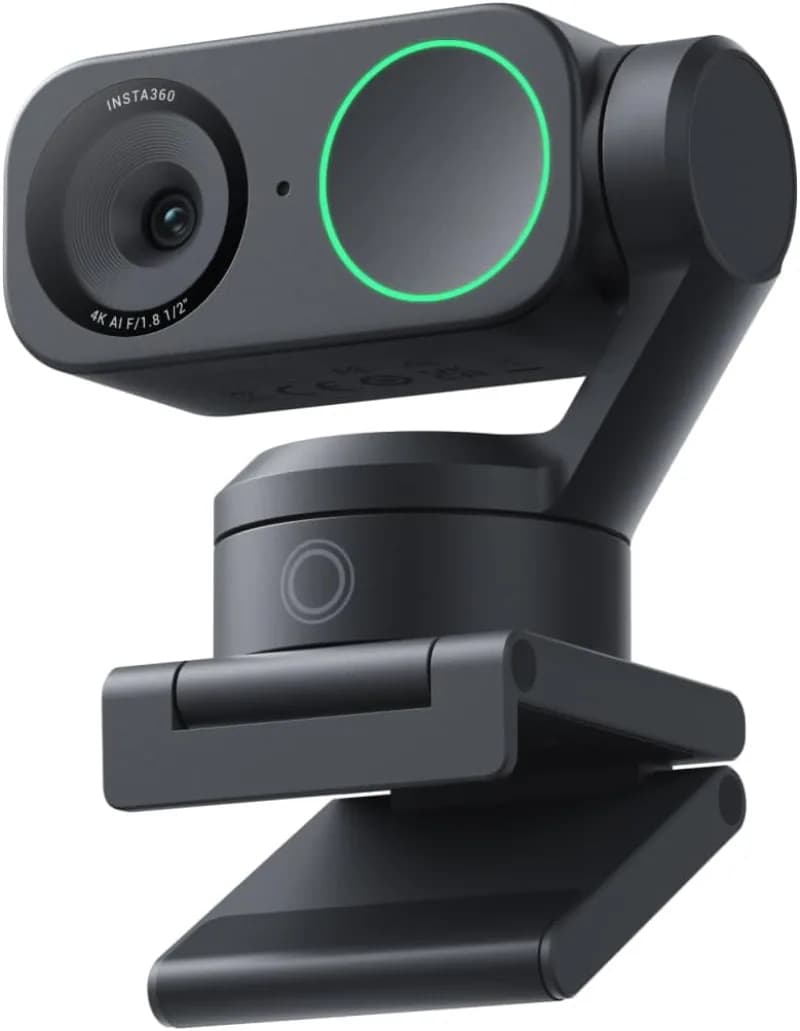
Sharper image, smarter framing
Insta360 Link 2 4K Webcam ↗Laptop cameras flatten your image. The Insta360 Link 2 delivers crisp 4K video, AI gimbal tracking that keeps you centered, and noise-canceling mics — so you look and sound dialed-in.
Tip: Mount it just above eye level for a natural, confident look.
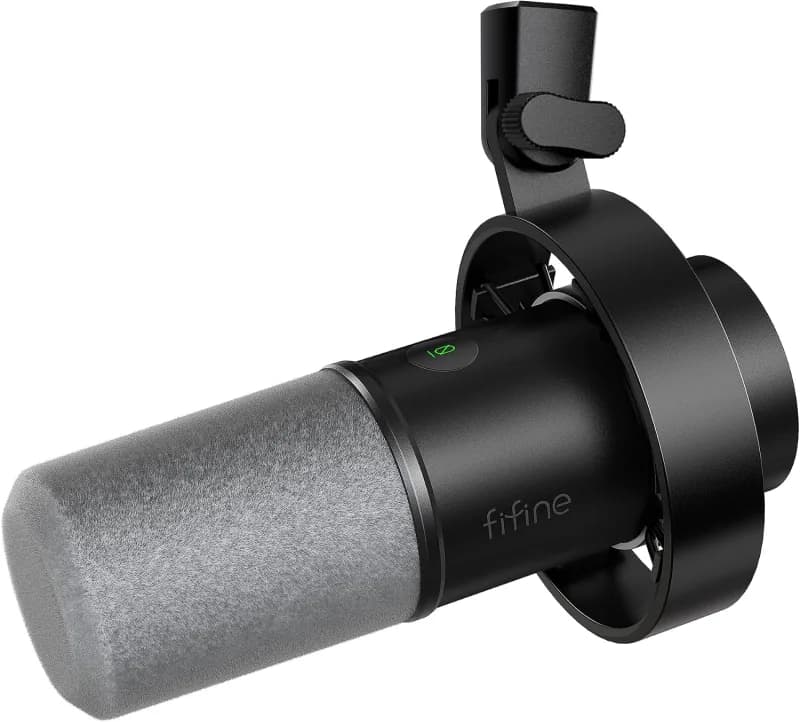
Your voice builds trust
FIFINE Dynamic USB Microphone ↗Clear, full audio makes the difference between "authentic" and "amateur." This mic removes echo and adds warmth so your message lands with confidence.
Tip: Keep it 6–8 inches from your mouth, angled slightly off-center to reduce popping.
Accessories to Round It Out
Once your core setup is dialed in, these extras make recording smoother and your background sharper.
Microphone Boom / Mount
- InnoGear Adjustable Boom Arm ↗ — Sturdy, affordable option for most mics.
- Rode PSA1+ Studio Boom Arm ↗ — Premium, silent movement, internal cable routing.
- IXTECH Desk Boom Arm ↗ — Flexible and easy to position.
Studio-Quality Lighting
- NEEWER LED Video Light Panel Kit ↗ — Two-light setup with stands for full, even coverage.
- Amaran Studio Desk Light ↗ — Bi-color desk light, includes frame.
Backdrop Options
- Elgato Green Screen ↗ — Wrinkle-resistant.
- Neewer Backdrop Stand Kit ↗ — Includes frame, clips, and carrying bag.
- YAYOYA Dual-Sided Backdrop (Green/White) ↗ — Reversible option for different shooting looks.
Cables / Connectivity
- Best Buy Essentials 50′ Cat-6 Ethernet Cable — Reliable wired internet for livestreams and uploads.
- Shorter cable (10′–25′) — Choose a shorter length if you’re closer to your router.
Always prefer wired over Wi-Fi when recording or streaming.
Small Adjustments, Big Difference
A handful of quick habits that separate polished from amateur.
- Mount your camera slightly above eye level for a natural, confident angle.
- Place lighting at 45° to your face, slightly above eye level to reduce glare.
- Position your mic within 6–8 inches, angled off to the side for clean sound.
- Keep your background simple — bookshelf, plant, or neutral wall.
- Record a short test video and make small adjustments until lighting and voice feel natural.
Want a fully done-for-you studio instead? Explore our onsite studio design & setup service →
Want Us to Build It For You?
Skip the DIY. We fly to your office, partner with a professional interior design firm, and leave you with a broadcast-ready studio.